Top 5 IPTV Apps for Smart TV in 2026: Complete Setup Guide
Published: June 6, 2026 · 9 min read
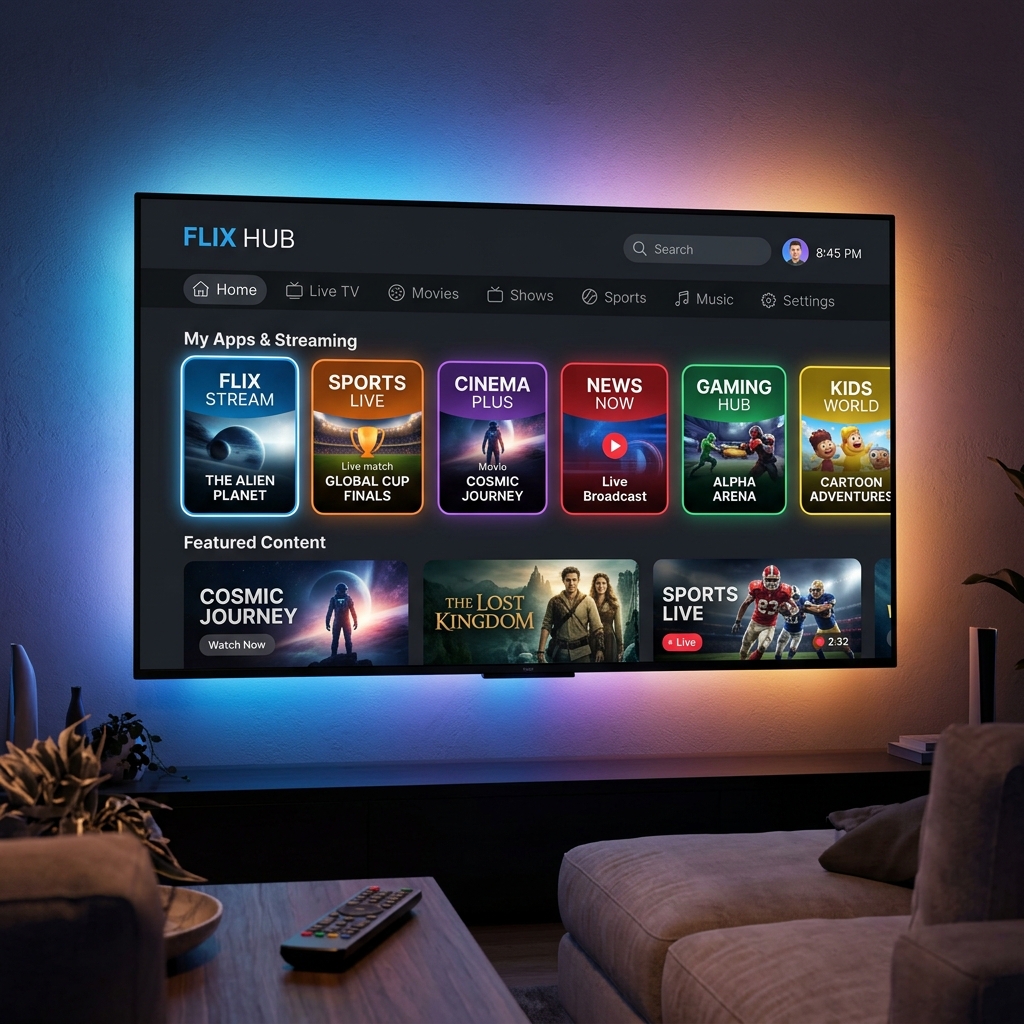
Your smart TV is capable of far more than the handful of pre-installed streaming apps suggest. Whether you own a Samsung QLED, an LG OLED, or a budget-friendly Android TV, the right IPTV player app transforms your television into a gateway to thousands of live channels, on-demand libraries, and international broadcasts — all delivered in stunning 4K quality. The challenge is choosing which app deserves a spot on your home screen. After extensive testing across every major smart TV platform in 2026, here are the five players that consistently deliver the best experience.
Why Your Choice of IPTV App Matters
Not all IPTV players are built the same. Some struggle with 4K decoding, others crash when switching channels rapidly, and a few lack basic features like EPG (Electronic Program Guide) support. The wrong app can turn a premium IPTV subscription into a frustrating experience filled with buffering wheels and frozen frames. The right app, paired with a quality provider like EliteVision, creates a seamless viewing experience that rivals — and often surpasses — any cable box on the market.
The apps below were evaluated on five criteria: 4K playback performance, EPG integration, channel switching speed, interface design, and platform compatibility.
1. IPTV Smarters Pro
IPTV Smarters Pro remains the gold standard for most users in 2026. Its clean, intuitive interface organizes channels into categories — live TV, movies, series, and catch-up — making navigation effortless even on a large channel list. The app supports both Xtream Codes API and M3U playlist formats, which means it works flawlessly with EliteVision's login credentials right out of the box.
Where Smarters truly shines is multi-screen support. You can split your TV display to watch two channels simultaneously — invaluable during overlapping sports matches. The built-in EPG pulls program schedules automatically, so you always know what is airing next. Available on Samsung Tizen, LG webOS, and Android TV, it covers virtually every smart TV on the market.
2. TiviMate
If you are an Android TV or Google TV user, TiviMate is arguably the most polished IPTV experience available. The premium version unlocks features that power users crave: multiple playlist support, customizable channel groups, recording functionality, and a beautifully designed grid-style EPG that resembles a traditional cable guide. Channel switching is near-instant, and 4K streams load without the multi-second delay common in lesser apps.
TiviMate's catch-up feature automatically detects which channels support time-shifted viewing, letting you rewind live TV up to 72 hours. Paired with EliteVision's extensive catch-up library, you never miss a show even if you fall asleep on the couch.
3. XCIPTV Player
XCIPTV offers a visually striking interface with movie-poster-style layouts for VOD content and a snappy live TV section. It supports hardware-accelerated decoding on most Android TV chipsets, which means 4K HDR content plays smoothly even on mid-range televisions. The app handles large playlists — we tested it with EliteVision's full 18,000+ channel list — without any noticeable lag or slowdown during scrolling.
One standout feature is its parental controls. You can lock specific channel categories behind a PIN, making it a solid choice for households with children.
4. Smart IPTV (SIPTV)
Smart IPTV has been a staple on Samsung and LG televisions for years, and its longevity is well-earned. The app takes a minimalist approach — no flashy graphics, no unnecessary menus — just a straightforward channel list that loads fast and plays reliably. Setup involves uploading your M3U playlist URL through a web portal, after which channels appear on your TV within seconds.
While it lacks some of the advanced features found in TiviMate or Smarters, Smart IPTV's reliability is its greatest asset. It rarely crashes, handles stream format changes gracefully, and consumes minimal system resources. For Samsung Tizen TV owners who want a no-nonsense player, this is the one.
5. OTT Navigator
OTT Navigator rounds out the list with a feature set that bridges the gap between simplicity and power. It supports multiple providers simultaneously, allowing you to combine your EliteVision subscription with other services under a single interface. The EPG is highly customizable, with options to change grid density, color themes, and time display formats.
The app also includes a robust favorites system with sub-groups — organize your most-watched sports channels separately from your news feeds or entertainment picks. Available on Android TV and Fire OS, OTT Navigator is a versatile choice for viewers who want granular control over their experience.
How to Install an IPTV App on Your Smart TV
The installation process varies slightly by platform, but the general steps are consistent:
- Samsung Tizen / LG webOS — Search for the app in the built-in app store. If the app is not listed, sideload it via a USB drive or use the web-based upload method (Smart IPTV uses this approach).
- Android TV / Google TV — Open the Google Play Store, search for your chosen app, and install directly. TiviMate, XCIPTV, and OTT Navigator are all available here.
- Fire TV Edition Smart TVs — Use the Amazon Appstore or sideload via the Downloader app. IPTV Smarters Pro and TiviMate both work flawlessly on Fire OS.
Once installed, enter your EliteVision credentials — either an M3U URL or Xtream Codes login — and the full channel list populates automatically. The entire process takes under three minutes.
Maximizing Your Smart TV Streaming Quality
Even the best app cannot overcome poor network conditions. For optimal 4K performance on your smart TV, connect via Ethernet cable rather than Wi-Fi whenever possible. If wireless is your only option, ensure your router supports Wi-Fi 6 and position it within clear line of sight of the television. Set the app's video decoder to "Hardware" mode — this offloads processing to your TV's dedicated media chip, reducing heat and eliminating dropped frames during high-bitrate 4K streams.
EliteVision's servers automatically negotiate the highest quality your connection can sustain, so the combination of a solid network and a capable player app delivers a viewing experience that makes traditional cable look antiquated.
Frequently Asked Questions
What is the best IPTV app for Samsung Smart TV in 2026?
IPTV Smarters Pro and Smart IPTV are the top choices for Samsung Tizen TVs. Smarters offers more features like multi-screen viewing and built-in EPG, while Smart IPTV provides a lightweight, crash-resistant experience for users who prioritize reliability.
Can I use IPTV apps on LG webOS TVs?
Yes. Smart IPTV and IPTV Smarters Pro both support LG webOS natively. Simply download the app from the LG Content Store, enter your EliteVision M3U link or Xtream login, and your channels will load within seconds.
Do I need a separate device to use IPTV on my smart TV?
No. Modern smart TVs from Samsung, LG, Sony, and TCL can run IPTV apps directly without any additional hardware. However, if your TV is older than five years, an external device like a Fire Stick or Android box may deliver better 4K decoding performance.
How many channels can I access with EliteVision on a smart TV app?
EliteVision provides access to over 18,000 live channels and a massive on-demand library. All of these are fully accessible through any of the five IPTV apps listed in this guide, with full EPG support and 4K streaming where available.