How to Watch Every FIFA World Cup 2026 Match Live in Stunning 4K
Published: June 6, 2026 · 8 min read
The FIFA World Cup 2026 is not just another tournament — it is the largest, most ambitious football spectacle in history. With 48 nations, 104 matches, and games spread across 16 cities in the United States, Mexico, and Canada, the sheer volume of action demands a viewing solution that traditional cable simply cannot deliver. If you are serious about catching every goal, every upset, and every moment of drama from June 11 through the final on July 19, streaming in 4K is the only way to do it justice.
Why Streaming Has Replaced Cable for Major Tournaments
The days of being locked into a single broadcaster's schedule are over. Cable packages force you into rigid bundles — paying for hundreds of channels you never watch just to access the handful carrying World Cup matches. Worse, most cable providers still broadcast in 1080i or lower, a format that looks noticeably soft on modern 55-inch and 65-inch displays.
Streaming flips every one of those limitations on its head. A premium IPTV service delivers content over the internet, meaning you get access to every broadcast feed worldwide — not just the single domestic channel assigned to your region. Want to watch the Brazil vs. Germany group match on a Brazilian feed with Portuguese commentary? Done. Prefer the British punditry on a UK channel? Switch in seconds. That kind of flexibility is impossible with cable.
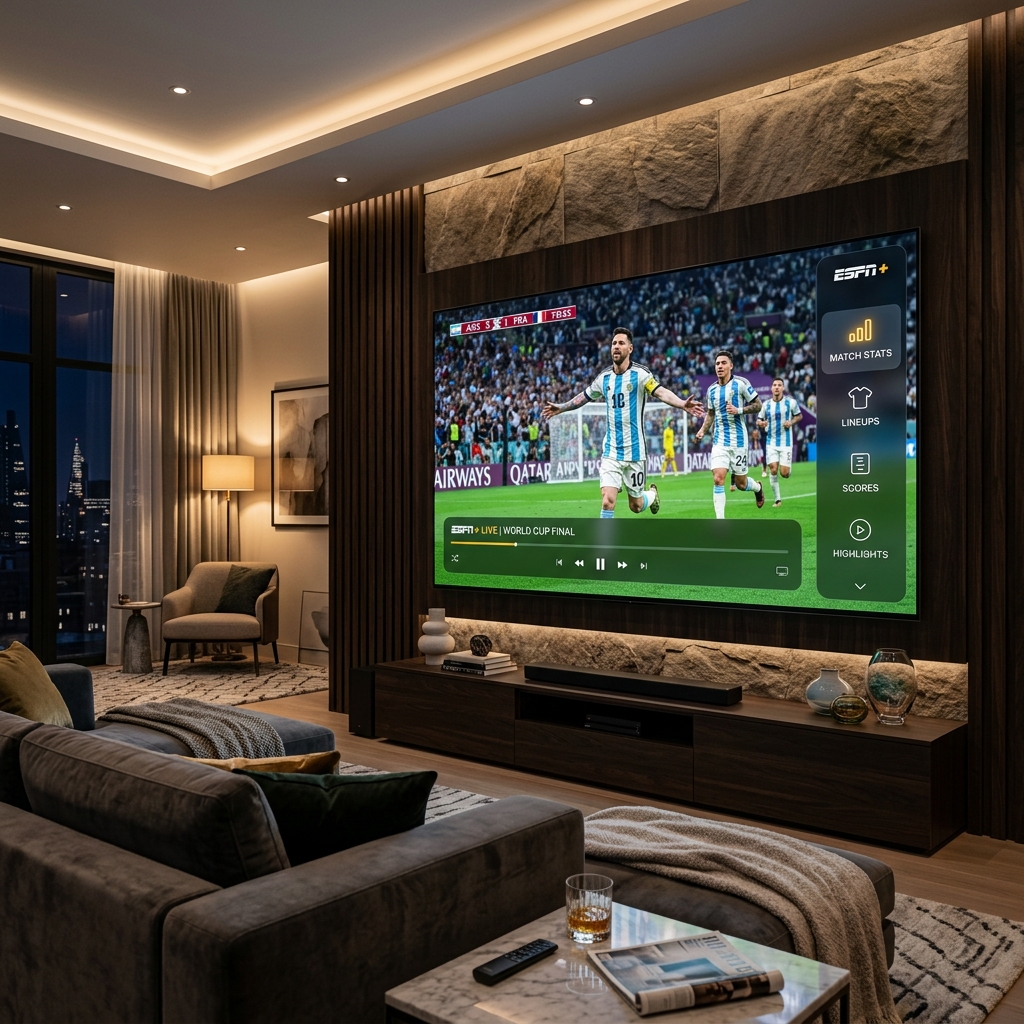
More importantly, top-tier IPTV providers now deliver native 4K and even 8K streams with HDR color grading, making the pitch look so vivid you can practically feel the grass. When a striker unleashes a long-range shot, you see the spin on the ball, the ripple of the net, the spray of turf — details that vanish on a compressed cable signal.
What You Need to Stream the World Cup in 4K
Setting up a flawless 4K World Cup experience requires three things: a capable display, a solid internet connection, and a reliable streaming provider.
1. A 4K-Ready Display
Any television or monitor from the last five years with a 4K UHD resolution (3840 × 2160) will work. For the best football experience, look for a panel with a refresh rate of 120Hz — this eliminates the slight motion blur you sometimes notice during fast counter-attacks and sweeping camera pans. OLED panels excel here because of their per-pixel dimming, which makes night matches under stadium floodlights look absolutely breathtaking.
2. Internet Speed
A stable connection of 25 Mbps is the baseline for a single 4K stream. If multiple people in your household will be online simultaneously, aim for 50 Mbps or higher. Wired Ethernet connections are always preferable to Wi-Fi for live sports because they eliminate the micro-dropouts that wireless signals can experience — those split-second freezes right as a penalty is taken are infuriating, and entirely preventable with a cable.
3. A Premium IPTV Provider
This is where the difference between a good experience and a great one lives. Cheap, unreliable services might work for casual viewing, but the World Cup puts enormous strain on servers. Millions of concurrent viewers tuning into the same match will expose any weakness in a provider's infrastructure. EliteVision operates a globally distributed CDN with server clusters in North America, Europe, Asia, and Africa — specifically designed to handle peak demand during events exactly like this. With 99.9% uptime and dedicated sports channels in native 4K, the feed stays rock-solid even during the most-watched matches of the tournament.
Step-by-Step: Setting Up Your World Cup Stream
Getting started takes less than five minutes:
- Choose your plan — Select a package that includes international sports channels. EliteVision's plans include over 18,000 channels and full World Cup coverage across multiple broadcaster feeds.
- Install a player app — Download a compatible IPTV player on your device. Smart TVs, Amazon Fire Stick, Apple TV, Android boxes, phones, tablets, and PCs are all supported.
- Enter your credentials — Input the M3U link or Xtream Codes login provided after signup. The channel list loads automatically.
- Navigate to sports — Find the dedicated World Cup or sports category. Pin your favorite channels for instant access during the tournament.
- Adjust quality settings — Set your player to "Auto" or manually select 4K if your connection supports it. Enable hardware decoding for the smoothest playback.
Multi-Match Viewing: How to Follow Multiple Games at Once
One of the biggest advantages of the expanded 48-team format is that multiple group stage matches kick off simultaneously. On several matchdays during the June 11–27 group phase, you will have three or four games running at the same time. Traditional TV forces you to pick one. With IPTV, you can open multiple streams on different devices — put one match on the living room TV, another on a tablet propped up on the kitchen counter, and a third on your laptop. EliteVision supports multi-device connections on a single account, making this effortless.
Why Live Matters More Than Replays
There is no substitute for watching football live. The tension of a penalty shootout, the collective roar when an underdog scores, the agony of a last-minute equalizer — these emotions only exist in real time. Watching a replay after someone has already texted you the score is a fundamentally different experience. A premium live stream with near-zero latency keeps you synchronized with the action as it happens, so your celebrations match the stadium's.
The Bottom Line
The World Cup 2026 deserves better than a pixelated, buffering, single-channel cable feed. It deserves 4K clarity, instant channel switching, global commentary options, and the reliability to never miss a single minute across all 104 matches. EliteVision delivers exactly that — a tournament-ready streaming experience built for the biggest event in football history.
Frequently Asked Questions
Can I watch every World Cup 2026 match live with IPTV?
Yes. A comprehensive IPTV service like EliteVision carries broadcaster feeds from dozens of countries, giving you access to every single one of the 104 scheduled matches — including simultaneous group stage games that domestic TV often skips.
What internet speed do I need for 4K World Cup streaming?
A minimum of 25 Mbps is recommended for a single 4K stream. If you plan to run multiple streams on different devices simultaneously, 50 Mbps or faster ensures every feed stays smooth and buffer-free.
Is IPTV streaming legal for the World Cup?
IPTV technology itself is completely legal. It is simply a method of delivering television content over the internet. Always choose a reputable provider that offers stable, high-quality streams to ensure the best viewing experience.
How many devices can I use at the same time?
EliteVision supports multiple simultaneous connections depending on your plan, allowing you to watch different matches on your TV, phone, and tablet all at once — perfect for the packed group stage schedule.